
1 September 2026· 6 min
How to ask for a Google review without feeling awkward (and get it)
70% of happy customers would leave a review if asked the right way. The 4-step method, with ready-made lines for every sector.
Asking is allowed — and Google encourages it
Google Business Profile guidelines allow you to invite customers to review you. What is forbidden: incentives, selecting only happy customers, fake reviews. Asking everyone transparently is both legal and effective.
1. Pick the emotional peak
Bill time after a great dinner, the mirror after a haircut, the handover of a finished job. After 24 hours enthusiasm halves. Design a physical 'card moment' where the customer, phone in hand, can act in 3 seconds.
2. Zero friction
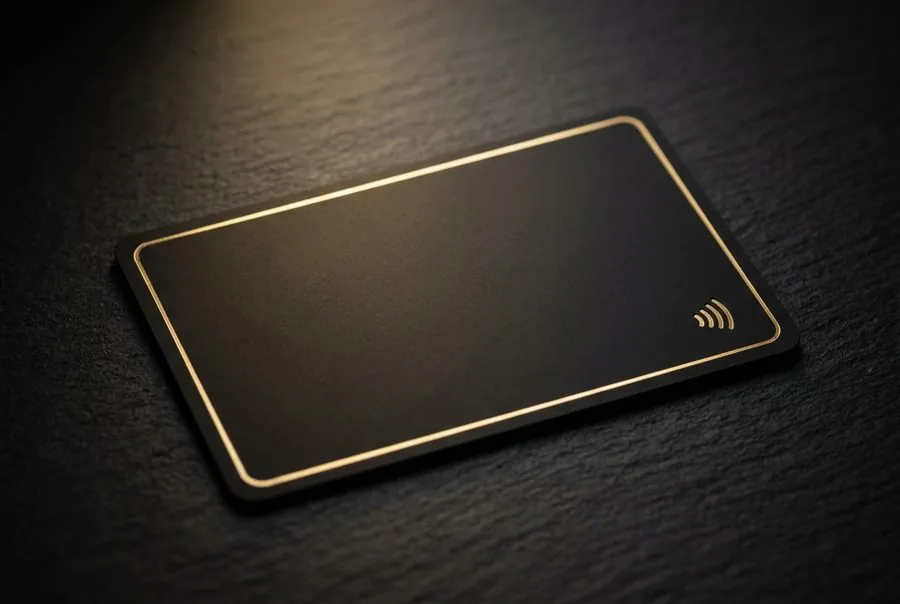
Every extra step halves conversions. An NFC + QR card opens the review form with the stars directly: no app, no search. Direct links convert 3-4× better than 'find us on Google'.
3. A short, sincere, specific line
Give a reason and a time: 'Enjoyed it? One tap and in 30 seconds you help others choose well.' Adapt it to your sector — the InfinityFeedback configurator prints the right line for you.
4. Make it a team ritual
With the card on the counter, asking becomes 'this is how we work'. Train a 5-second line plus a gesture, measure scans and Google clicks weekly in the Owner Area, move the card where it performs best.
Never do this
No discounts for reviews, no review gating, no reviews from staff or relatives, no aggressive replies. Give unhappy customers a private channel first: Insta-Resolve does exactly that without blocking publication.
InfinityFeedback
Put it into practice with your NFC + QR card
Configure it in 5 steps: from €24.90, first year of service included.
Newsletter for business owners
One practical guide a month to get more Google reviews.
Actionable tips, new articles and subscriber-only promotions. No spam: at most two e-mails a month, one-click unsubscribe.